
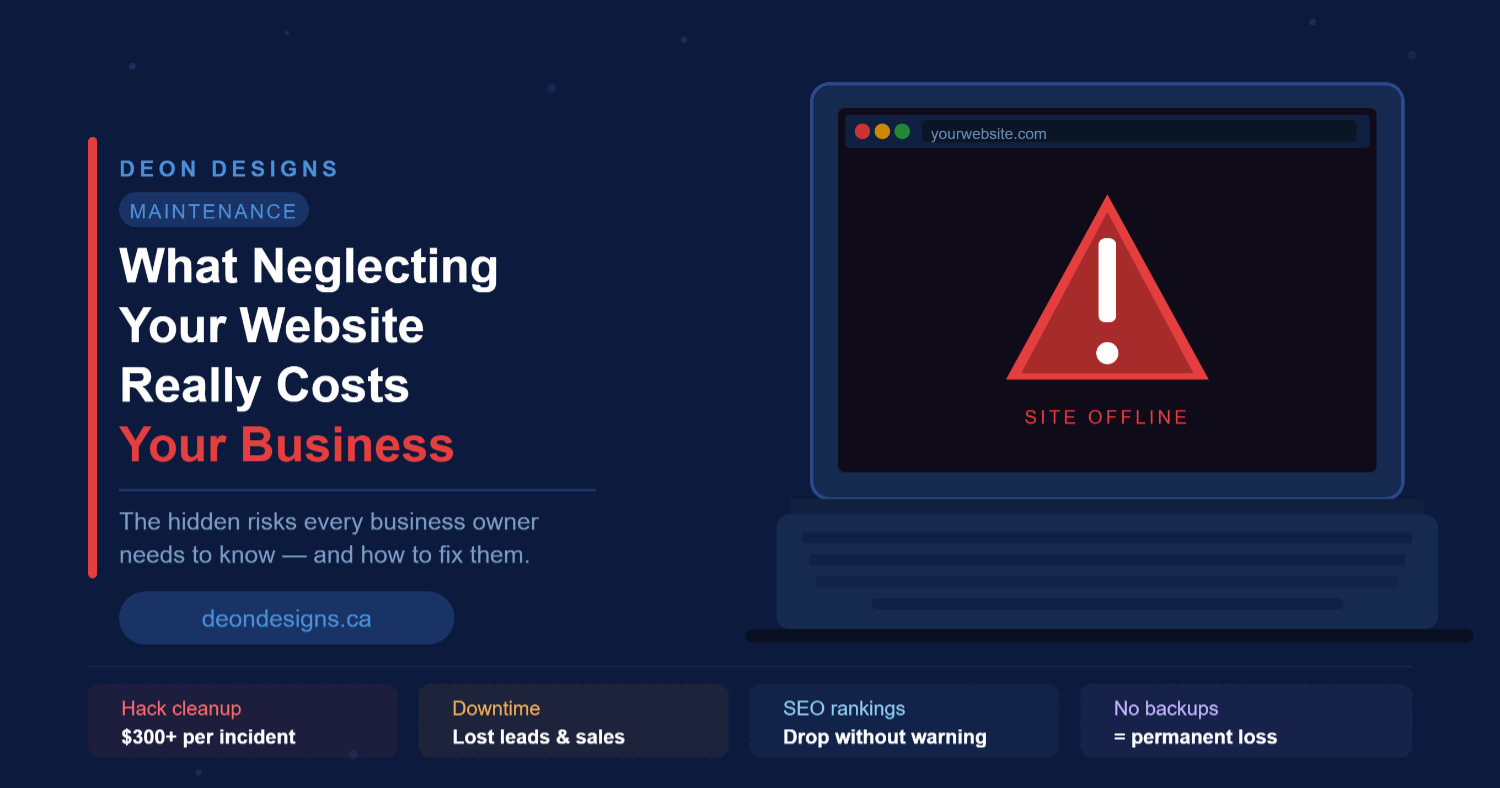
What Neglecting Your Website Really Costs Your Business
Picture this: It’s Monday morning. A potential customer Googles your business, clicks your link – and lands on a white error screen.
They hit “Back” in two seconds. They book with your competitor instead.
That’s not a worst-case scenario. It’s what happens every day to business owners who assume their website is “fine” because nothing has gone obviously wrong – yet.
Website maintenance isn’t a nice-to-have. It’s the thing that keeps your digital storefront open, safe, and working for you around the clock. And skipping it doesn’t just put your website at risk. It puts your revenue, your reputation, and your Google ranking at risk too.
Here’s what neglect actually costs – in plain numbers.
What does it cost to skip website maintenance?
Skipping regular maintenance doesn’t mean nothing happens – it means problems build silently until they become expensive. The most common costs business owners face are emergency hack cleanups ($300+), days or weeks of downtime during recovery, SEO ranking drops from slow speeds and security flags, and the leads lost while the site is broken or invisible on Google. For most small businesses, a single incident easily erases a full year’s worth of maintenance savings.
1. A Hack Cleanup Can Run $300 or More – Overnight
WordPress powers more than 40% of all websites on the internet. That makes it the most popular target for automated attacks.
Hackers don’t manually pick your site. Bots scan thousands of sites per hour, looking for outdated plugins, old themes, and unpatched WordPress versions. When they find one, they get in.
What happens next is rarely pretty: spam content injected into your pages, customer data exposed, your domain blacklisted by Google, or a complete site wipeout.
Recovering from a hack isn’t cheap. At Deon Designs, emergency hack cleanup starts at $300 – and that’s just to clean the infection. Rebuilding lost content, recovering lost rankings, and repairing customer trust? That’s on top.
Compare that to a maintenance plan that keeps everything updated and monitored daily. The math isn’t complicated.
The fix: Keep WordPress core, themes, and plugins updated every week. Run daily malware scans. Back up your site daily so you can roll back to a clean version within minutes if something goes wrong.
2. Downtime Costs You Leads You’ll Never Know About
Most business owners don’t find out their site is down until a customer tells them — usually after the customer has already moved on.
Studies on e-commerce consistently show that even a few seconds of extra load time reduces conversions. A site that’s fully offline for hours is far worse. Your visitors don’t wait. They leave, they don’t come back, and you never know they were there.
For a local business relying on website inquiries, even two or three lost leads a month adds up fast. If your average client is worth $500, that’s $1,000 or more quietly walking out the door while your site sits broken.
Uptime monitoring catches problems the moment they happen – often before any visitor even notices – so issues get fixed in minutes, not days.
3. Slow Websites Lose Google Rankings
Google has been direct about this: page speed is a ranking factor. A slow site doesn’t just frustrate visitors – it actively slides down the search results.
Unmaintained WordPress sites get slow in predictable ways: plugins accumulate and conflict with each other, databases grow bloated with junk, caching breaks, and image files never get optimized. None of these things announce themselves. They just quietly drag your site lower on Google over months.
If your site used to show up on page one and has drifted to page two or three, a lack of regular performance maintenance is often part of the reason why.
A well-maintained site – with clean databases, optimized images, up-to-date caching, and a PHP version that matches current WordPress requirements – runs significantly faster. Faster sites rank better, keep visitors longer, and convert more.
4. Outdated Plugins Create Legal and Security Liability
Here’s a scenario most business owners don’t think about: your contact form plugin is six months out of date. A vulnerability in that plugin lets someone intercept customer form submissions. Customer names, emails, and phone numbers are exposed.
Depending on where your customers are located, that’s a potential PIPEDA violation in Canada or GDPR issue if you have European visitors. Fines aside, the reputational damage of a data breach for a small business is often impossible to recover from.
Regular plugin updates aren’t just about keeping features working. They patch the security vulnerabilities that plugin developers find and fix every few weeks. Skipping those updates leaves the door open.
An auto-updating privacy policy (like the Termageddon integration included in Deon Designs’ plans) adds another layer – keeping your legal pages current as privacy laws change, without you having to track every new regulation yourself.
5. No Backups Means No Safety Net
Imagine spending two years building your website – your service pages, your blog posts, your portfolio, your testimonials – and losing all of it in a single afternoon.
It happens. Hosting servers fail. Bad plugin updates overwrite files. Hackers wipe databases. Without a current backup, there’s nothing to restore from.
Recovery without backups often means starting from scratch: rebuilding pages, re-uploading images, rewriting content. That’s days or weeks of work (or a significant bill to a developer), plus the cost of lost traffic and leads during the rebuild.
Daily backups with 30 days of restore points mean that even if something goes catastrophically wrong, you’re back online in hours, not weeks – and you lose almost nothing.
The Simple Website Maintenance Checklist for Business Owners
You don’t need to know how WordPress works to know whether your site is being maintained. Here’s what should be happening regularly:
Weekly:
- WordPress core, theme, and plugin updates applied and tested
- Performance check — site loads quickly on mobile and desktop
- Security scan — no malware or suspicious files detected
- Backup created and stored offsite
Monthly:
- Uptime and traffic report reviewed
- Broken links checked and fixed
- Database optimized
- Privacy policy and legal pages current
Ongoing:
- Daily malware and uptime monitoring running in the background
- SSL certificate active (the padlock in your browser bar)
- Restore points available if something goes wrong
If you’re not sure whether any of this is happening on your site – it probably isn’t.
So What Does Website Maintenance Actually Cost?
Here’s the honest answer: a lot less than not having it.
At Deon Designs, our maintenance plans start at $47/month – which covers weekly updates, daily monitoring, weekly backups, monthly reporting, speed optimization, and 30 minutes of support for content changes.
For context: one hack cleanup costs $300. One or two lost leads from downtime often costs more than that. A single afternoon of your time trying to figure out why your site is slow costs you something too – your time, which is worth money.
The $47/month Standard Plan is designed specifically for small businesses that need reliable, no-fuss care. You focus on running your business. We handle everything behind the scenes.
If you’re growing faster or need more support time, our Business Plan at $97/month and Enterprise Plan at $197/month scale up with you – including daily backups, premium hosting, and more monthly support hours.
What Happens If You Sign Up Today?
Here’s exactly what happens when you start a Deon Designs maintenance plan:
- We do a full site audit – catching any immediate issues (outdated software, security gaps, performance problems) and resolving them on day one.
- We set up monitoring and backup tools – so your site is protected from the moment we start.
- We handle everything weekly – updates, scans, backups, and performance checks, without you lifting a finger.
- You get a monthly report – so you can see exactly what was done and how your site is performing.
Setup takes one business day. No long contracts. Cancel anytime after the first month.
Ready to Stop Worrying About Your Website?
Your website should be working for your business – bringing in leads, building trust, and representing you professionally 24 hours a day. It can’t do that if it’s slow, hacked, or offline.
The good news: keeping it in great shape doesn’t have to be your problem.
Explore Deon Designs’ Website Maintenance Plans →
Or book a free discovery call and we’ll take a look at your site and tell you exactly where it stands.
Related reading:
- WordPress Security Best Practices — what to look for and how to stay protected
- Site Speed Optimization: 10 Key Steps — why your load time matters more than you think
- Website Maintenance Plans at Deon Designs — everything included, starting at $47/month